
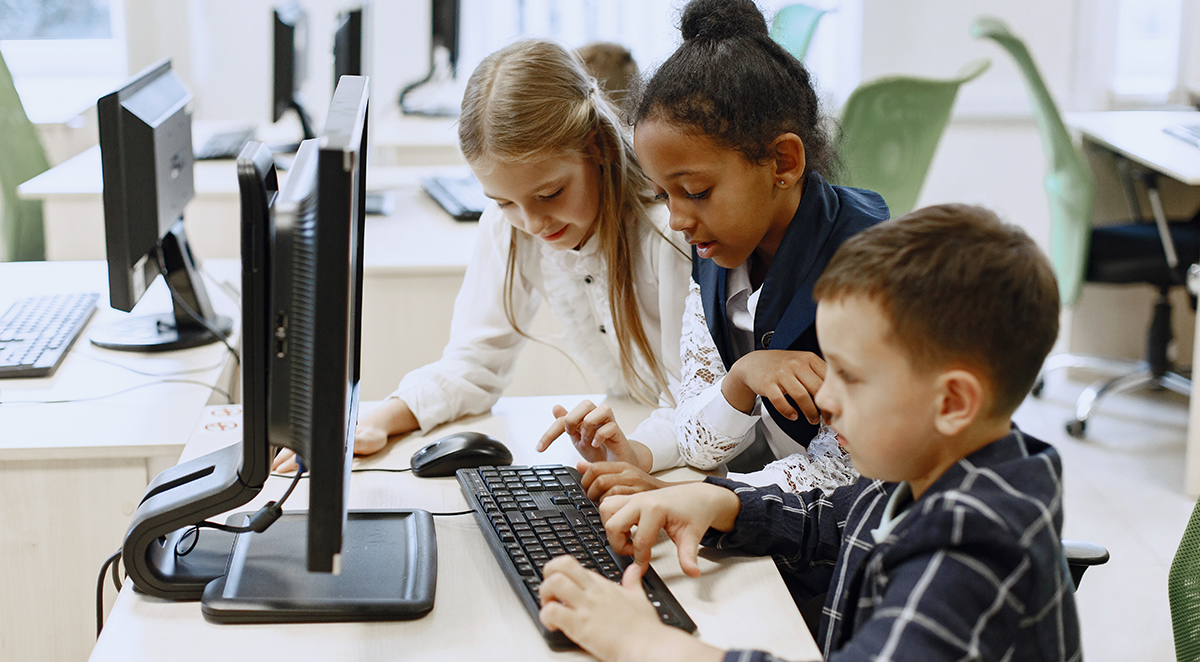
The question isn't whether technology belongs in the classroom, but rather how we can integrate it thoughtfully to enhance learning while preserving the human connections and moral foundations that define quality education. Our approach to digital literacy at Resurrection Lutheran School uses technology intentionally so that it deepens understanding rather than replacing meaningful relationships.
Understanding the Modern Parent's Dilemma
Parents today navigate unprecedented challenges when it comes to their children's relationship with technology. They want their children to be digitally literate and prepared for future careers, yet they also worry about screen addiction, social media pressures, and the loss of face-to-face communication skills.
These concerns are valid and reflect a deeper desire to raise children who can harness technology's benefits while maintaining strong character, empathy, and real-world problem-solving abilities. The key lies not in avoiding technology but in approaching it with wisdom and intentionality.
Common Technology Concerns for Families
Parents frequently express worry about several key areas:
- Excessive screen time affecting physical health and social development
- Loss of handwriting and fine motor skills
- Decreased attention spans and difficulty with sustained focus
- Exposure to inappropriate content or online predators
- Reduced creativity and imaginative play
- Weakened family relationships due to device distractions
These concerns highlight the need for a thoughtful approach to educational technology—one that addresses these challenges while preparing students for success in an increasingly digital world. Read our blog post about how our approach to writing and technology prepares students for future success.
The Foundation of Balanced Technology Integration
Effective technology integration in education begins with clear principles and intentional curriculum At Resurrection Lutheran School, these values are woven into daily interactions, curriculum decisions, and school policies. Our approach to balanced screen time school practices ensures that digital tools enhance rather than replace fundamental learning experiences.
Core Principles of Balanced Educational Technology
Our technology integration follows several guiding principles:
- Purpose-driven usage: Every technological tool must serve a clear educational objective
- Age-appropriate implementation: Technology use is carefully calibrated to developmental stages
- Human connection priority: Digital tools never replace teacher-student or peer relationships
- Creative application focus: Technology enhances creativity rather than replacing it
- Critical thinking development: Students learn to evaluate and analyze digital information
- Balanced exposure: Screen time is balanced with hands-on, physical, and social activities
These principles ensure that technology serves learning rather than dominating it, creating an environment where students develop both digital competency and essential life skills.
Age-Appropriate Technology Integration
Different developmental stages require different approaches to technology use. Our curriculum recognizes that what works for middle school students may not be appropriate for elementary learners, and we adjust our methods accordingly.
Elementary Years (Kindergarten through 5th Grade)
In the elementary years, technology integration focuses on building foundational digital literacy while preserving the tactile, exploratory learning that young children need.
Key approaches include:
- Interactive learning stations that combine digital and physical manipulation
- Collaborative projects using simple presentation tools
- Research skills development with guided internet exploration
- Creative expression through age-appropriate design and drawing programs
- Basic keyboarding and computer navigation skills
During these formative years, screen time is carefully limited and always purposeful. Students spend significant time in hands-on activities, outdoor exploration, and face-to-face collaboration, ensuring that technology enhances rather than replaces these crucial developmental experiences.
Middle School Years (6th through 8th Grade)
Middle school students are ready for more sophisticated technology integration that prepares them for high school and beyond while maintaining appropriate boundaries.
Advanced applications include:
- Research and citation skills using multiple digital sources
- Multimedia presentations incorporating various digital tools
- Coding and programming fundamentals to understand technology creation
- Digital citizenship education covering online ethics and safety
- Collaborative online projects with classmates and potentially other schools
- Data analysis and visualization using spreadsheet and graphing tools
At this level, students begin to understand technology not just as a tool for consumption but as a medium for creation and communication.
Developing Critical Digital Literacy Skills
Digital literacy private school education goes far beyond teaching students how to use devices—it involves developing critical thinking skills that help students navigate an increasingly complex digital landscape.
Information Evaluation and Source Verification
In an era of information abundance, students must learn to:
- Identify reliable sources and distinguish between credible and questionable information
- Recognize bias and perspective in digital media and online content
- Cross-reference information using multiple sources before drawing conclusions
- Understand the difference between opinion, interpretation, and factual reporting
- Evaluate the currency and relevance of digital information
These skills prepare students to be thoughtful consumers and creators of digital content throughout their lives.
Ethical Technology Use and Digital Citizenship
Our digital citizenship curriculum addresses crucial areas including:
- Online privacy and personal information protection
- Respectful digital communication and collaboration
- Copyright understanding and creative commons awareness
- Cyberbullying prevention and response strategies
- Social media literacy and healthy online relationships
- Digital footprint awareness and reputation management
Students learn that their online actions have real-world consequences and develop the moral compass to make ethical decisions in digital spaces.
Balancing Screen Time with Traditional Learning
One of the most important aspects of technology in christian education is maintaining balance. While digital tools offer incredible opportunities for learning, they cannot replace the fundamental experiences that shape young minds and characters.
Preserving Essential Non-Digital Experiences
Our balanced approach ensures students continue to experience:
Physical and tactile learning opportunities:
- Hands-on science experiments and outdoor exploration
- Art projects using traditional media and materials
- Collaborative games and physical activities
- Musical instruments and live performance opportunities
Social and emotional development activities:
- Face-to-face discussions and debates
- Group projects requiring in-person collaboration
- Community service and real-world problem solving
- Mentorship relationships with teachers and peers
Academic fundamentals:
- Handwriting practice and fine motor skill development
- Mental math and calculation without digital aids
- Reading physical books and developing sustained attention
- Research using traditional library resources and primary sources
Structured Screen Time Guidelines
Our balanced screen time school policies include specific guidelines for technology use:
- Time limits: Clear boundaries on daily and weekly screen time for educational purposes
- Content standards: Carefully curated digital resources that align with our educational values
- Supervision protocols: Adult oversight of all student technology use during school hours
- Break requirements: Regular intervals away from screens for physical movement and rest
- Assessment balance: Mix of digital and traditional assessment methods
Technology Tools That Enhance Learning
When thoughtfully selected and implemented, specific technology tools can significantly enhance educational outcomes without overwhelming students or compromising balanced development.
Educational Software and Applications
We utilize carefully chosen digital tools that support learning objectives:
- Interactive learning platforms that adapt to individual student pace and needs
- Virtual field trip experiences that expand classroom boundaries safely
- Creative design software for student expression and project development
- Collaboration tools that teach teamwork and communication skills
- Assessment platforms that provide immediate feedback and track progress
- Research databases appropriate for student age levels and curriculum needs
Each tool undergoes careful evaluation to ensure it adds genuine value to the learning experience.
Hardware Integration
Our technology infrastructure supports learning while maintaining appropriate limits:
Classroom technology includes:
- Interactive whiteboards that enhance whole-group instruction
- Student devices for specific projects and activities
- Document cameras for sharing and demonstrating work
- Audio systems that support different learning styles
- Charging stations and organizational systems for responsible device management
Supporting Parents in Home Technology Management
Effective technology in christian education extends beyond the classroom to include partnership with families in creating healthy digital habits at home.
Family Technology Guidelines
We provide parents with practical strategies for managing technology use outside of school:
- Establishing device-free zones in bedrooms and dining areas
- Creating family technology agreements with clear expectations and consequences
- Modeling healthy technology habits as parents and caregivers
- Scheduling regular digital detox periods for the entire family
- Engaging in technology together rather than allowing isolated use
Educational Resources for Parents
Our parent education programs include workshops and resources covering:
- Age-appropriate content filtering and monitoring
- Signs of technology addiction or overuse
- Alternatives to screen time for entertainment and learning
- Communication strategies for discussing technology use
- Current trends and risks in social media and online gaming
Preparing Students for Future Success
While maintaining balance and appropriate limits, our technology program ensures students develop the skills they'll need for high school, college, and career success.
21st Century Skills Development
Students graduate with competencies in:
Technical skills:
- Proficiency with standard office and presentation software
- Basic understanding of coding and programming logic
- Familiarity with research databases and academic resources
- Experience with multimedia creation and editing tools
Critical thinking abilities:
- Information literacy and source evaluation
- Problem-solving using digital tools and resources
- Creative thinking enhanced by technology possibilities
- Communication skills across various digital platforms
Character qualities:
- Ethical decision-making in digital environments
- Self-regulation and healthy technology habits
- Empathy and respect in online interactions
- Responsibility for digital citizenship and community contribution
Read our blog post about creating routines that support academic success.
Frequently Asked Questions
How much screen time do students have during the school day?
Screen time varies by grade level and is always purposeful and supervised. Elementary students typically have 30-45 minutes of structured screen time per day, while middle school students may have up to 90 minutes depending on project requirements. All screen time is balanced with physical activity, hands-on learning, and social interaction.
What safeguards are in place to protect students online?
We employ comprehensive internet filtering, continuous supervision, and age-appropriate access restrictions. All student internet use occurs under teacher supervision, and we maintain strict policies regarding appropriate digital behavior and content.
How do you help students develop healthy technology habits?
Our digital citizenship curriculum teaches students about balanced technology use, online safety, and ethical digital behavior. We also work with parents to reinforce healthy habits at home and provide resources for family technology management.
Do students need to bring their own devices to school?
Currently, all necessary technology is provided by the school for educational use. We believe this approach allows for better supervision, age-appropriate content control, and ensures all students have equal access to learning tools.
How do you prepare students for technology use in high school?
Our curriculum gradually introduces more sophisticated technology skills throughout the elementary and middle school years. By eighth grade, students are proficient with research tools, presentation software, basic coding concepts, and digital communication platforms they'll encounter in high school.
The Path Forward
As technology continues to evolve, our commitment to balanced integration remains constant. We regularly evaluate new tools and approaches, always asking whether they serve our students' comprehensive development and align with our educational mission. For more information about our programs or to schedule a tour, please visit our contact page.
